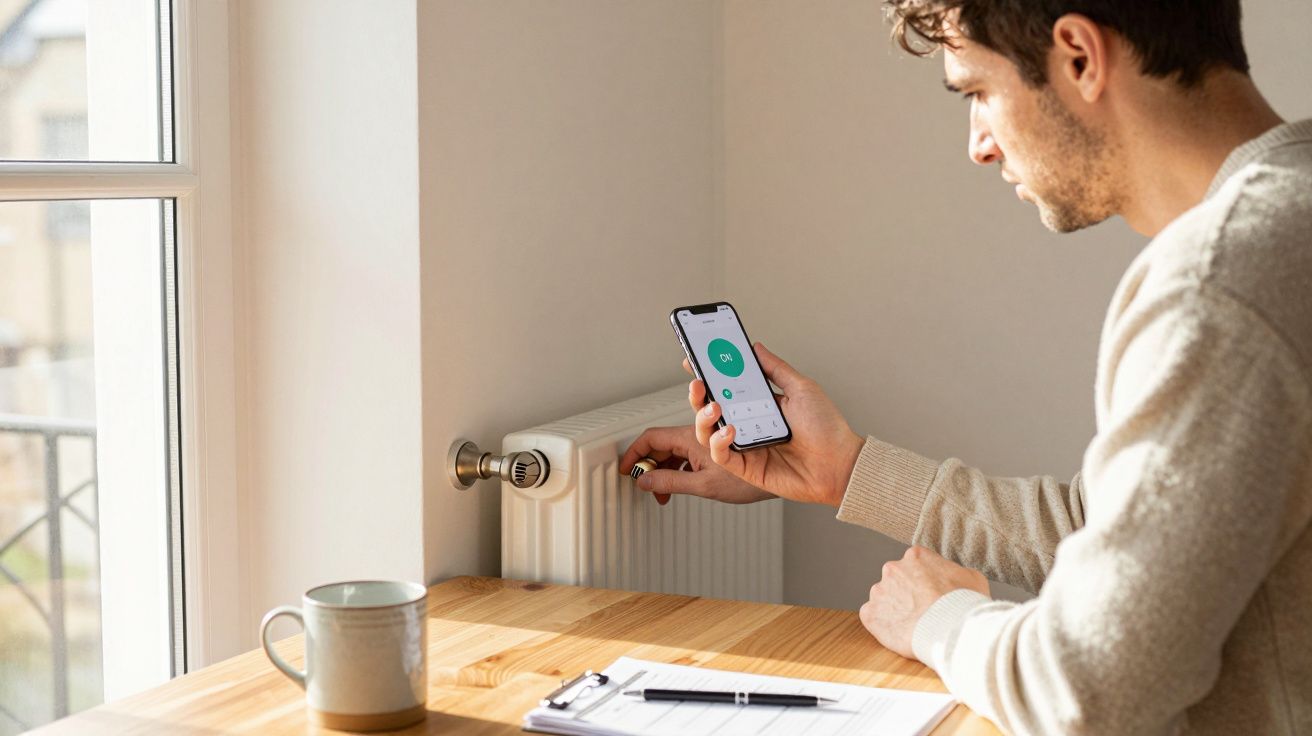
It usually starts the same way: you wake up, the house feels like a fridge, and you realise the heating not switching on isn’t a “one-off” anymore. If you’ve got smart heating controls, it gets even more confusing-your app says “Heating: On”, yet the radiators are still stone cold. Before you blame the boiler (or book an expensive call-out), it’s worth knowing that the boiler is often the last part of the chain to be at fault.
One homeowner in Leeds described it as “a ten‑minute delay that turned into forty”. The boiler was firing, then stopping, then firing again, like it couldn’t make its mind up. It wasn’t broken. It was being told to behave that way.
The uncomfortable truth: your boiler might be doing exactly what it’s told
A modern heating system is a relay race. The programmer or app decides when heat is needed, the thermostat decides whether it’s needed, valves decide where it goes, and the boiler decides how to deliver it.
When the heating turns on late, a boiler can look guilty simply because it’s the bit you can hear. But “late” often means the call for heat is arriving late-or arriving, then getting cancelled-before the boiler has a fair chance to warm the system.
That matters because chasing the wrong culprit wastes money. You can replace a perfectly fine boiler and still wake up cold if the control side is misconfigured, drifting out of sync, or quietly failing.
The three most common reasons heating comes on late (that aren’t “the boiler is dead”)
1) The schedule is correct… but the time isn’t
Smart heating controls rely on accurate time settings in the hub, the thermostat, and sometimes the boiler itself. If one device has drifted by 20–30 minutes (or got stuck on the wrong time zone after a router change), your schedule can look right while behaving wrong.
This shows up as consistent lateness. Not random. Not weather-dependent. Just “always about half an hour after it should”.
Quick checks: - Confirm the time zone and daylight saving settings in the app. - Restart the hub/bridge after broadband changes. - Check whether the boiler has its own clock/programmer that’s also scheduling heat (double scheduling is a classic).
2) “Optimisation” is on, and it’s guessing badly
Many systems have learning features with friendly names: Optimum start, Smart start, Early start, Weather adaptation. The idea is to preheat so the home reaches temperature by 7am, not to start at 7am. In practice, these features sometimes get it wrong-especially in older homes, after radiator changes, or when you’ve adjusted flow temperature.
The result can look like lateness because the system thinks it can heat faster than it actually can. So it delays the start, then the house lags behind.
A simple test is boring but revealing: turn optimisation off for a week and run a fixed schedule. If the delay disappears, your boiler didn’t suddenly “recover”. Your controls were just being overconfident.
3) The system is calling for heat, but something blocks the flow
Even with a perfect schedule, the boiler may wait to fire properly if the system can’t circulate heat. This is where motorised valves, zone valves, and stuck TRVs cause chaos.
Common patterns: - Upstairs heats, downstairs doesn’t (or vice versa): likely a zone valve issue. - Boiler fires briefly, then shuts down: could be poor circulation or an interlock issue. - One room never warms unless you manually override: TRV pin sticking or a smart radiator valve not opening.
If you have smart radiator valves, check whether a single “priority” room is accidentally set to control the whole system. One mis-set room can effectively veto the heating call, because the system believes no zone needs heat-while you’re standing in a cold hallway wondering why the boiler is “late”.
A quick, no-drama troubleshooting routine you can do in 15 minutes
You’re not trying to become an engineer. You’re trying to narrow down whether the problem is timing, communication, or plumbing.
1) Set a manual override: set the thermostat to a temperature well above current room temp.
2) Listen and look: does the boiler fire within a couple of minutes? Do any pipes start warming?
3) Check the app status: does it show “calling for heat” (not just “on”)?
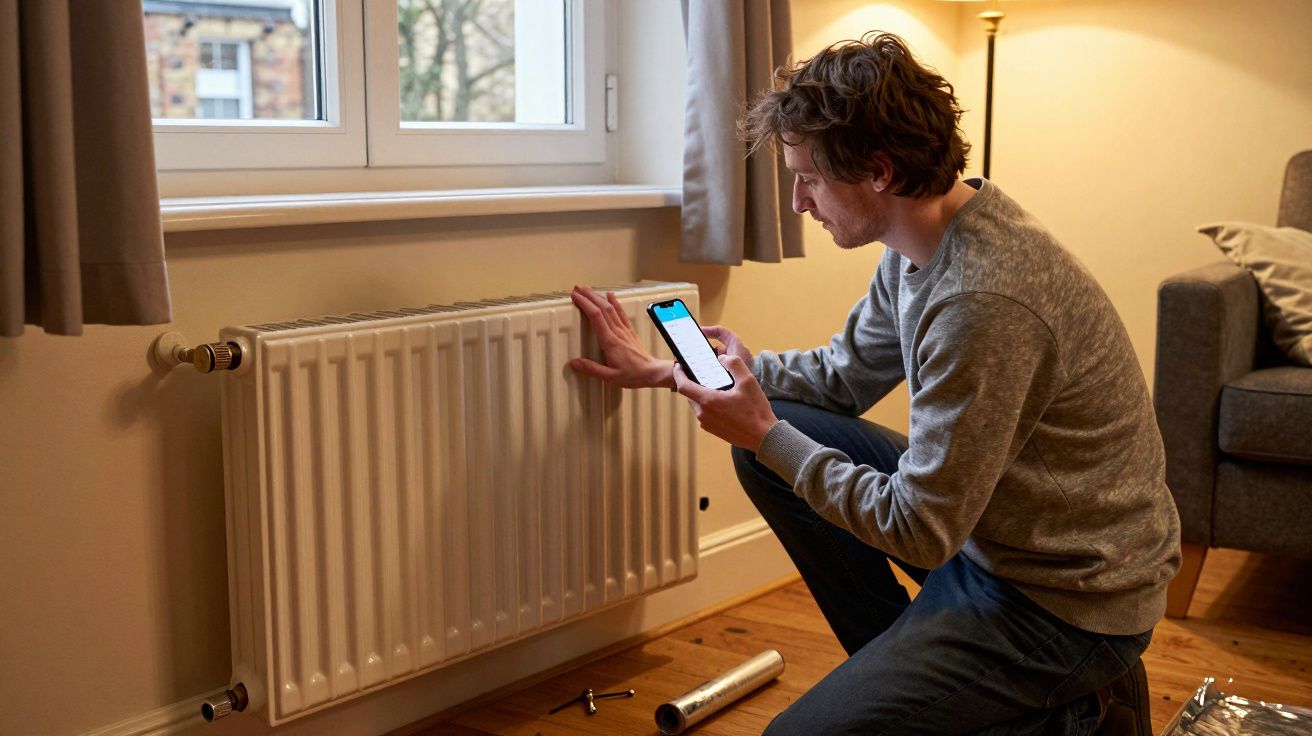
4) Check one radiator: is the valve open, and is the radiator warming evenly?
What you’re learning: - If manual override works instantly, your hardware is capable-it’s the schedule/optimisation/settings. - If manual override still lags, it’s more likely valves, circulation, or a wiring/control relay issue.
The sneaky settings that make heating feel “late” (even when it’s working)
Some “late heating” complaints are really “slow heating” dressed up as a timing problem. Two settings are usually behind it:
- Flow temperature too low: Great for efficiency on mild days, miserable if it’s freezing and your radiators aren’t sized for low temps.
- Boiler cycling: The boiler fires in short bursts because it reaches its target quickly but the heat isn’t transferring well (often due to balancing, pump issues, or air).
This is why people swear it’s the boiler. The boiler is noisy, visible, and easy to blame. But the underlying cause is often that the system is struggling to move heat around, not to generate it.
When it is worth calling someone (and what to tell them)
If you’re seeing any of the below, don’t keep tinkering-get a Gas Safe engineer or a heating controls specialist, depending on the symptom.
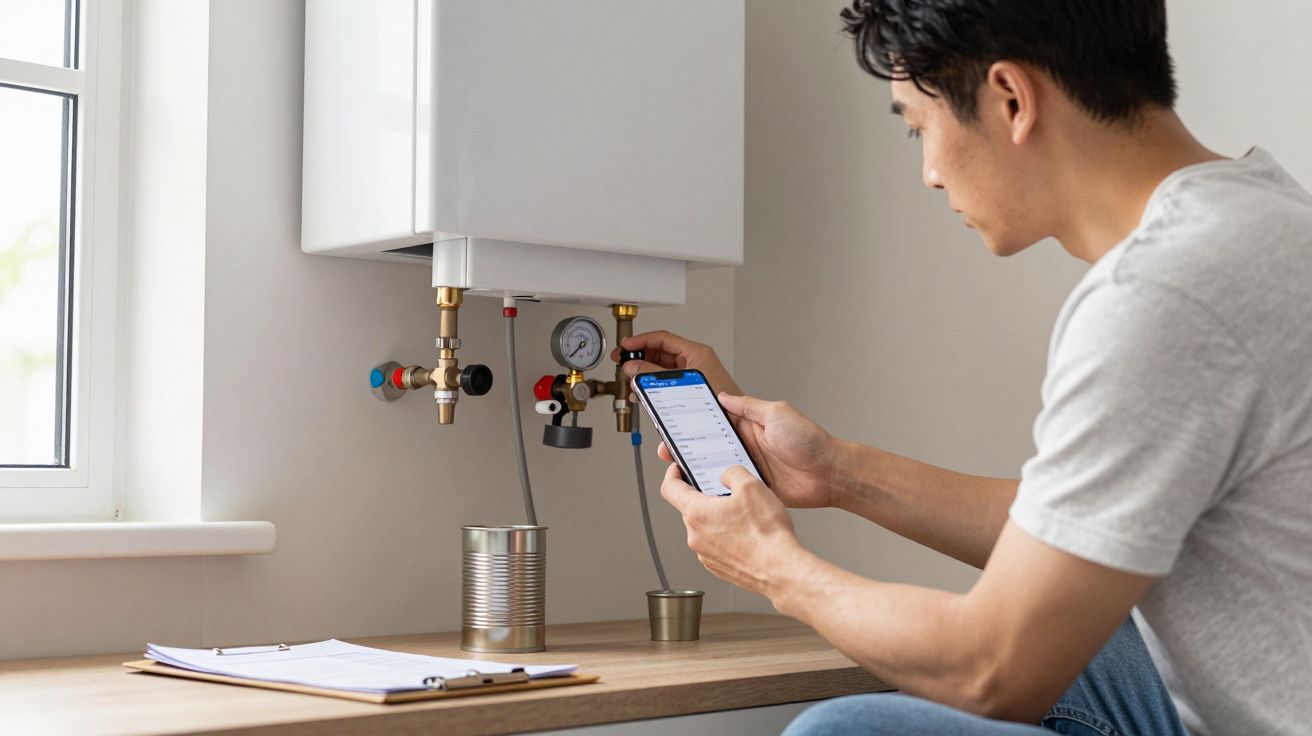
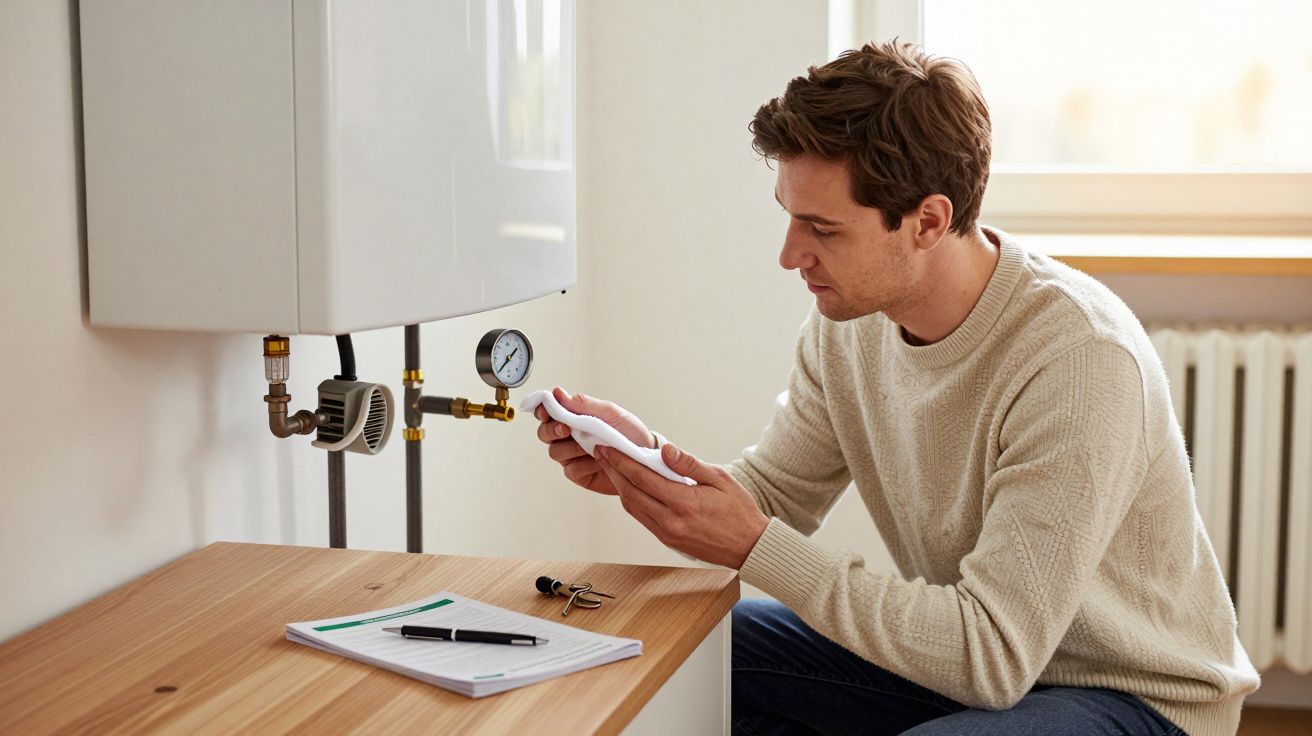
Call-out triggers: - The boiler shows recurring fault codes or locks out. - You can’t get any zone to heat even on manual override. - Valves are buzzing, stuck, or scorching hot to touch. - You suspect wiring issues (intermittent heat calls, dead zones, fused spur trips).
What to say on the phone (it helps more than you’d think): - “Manual override fires the boiler immediately / doesn’t fire it.” - “Delay is consistent by about X minutes.” - “It’s a zoned system with smart heating controls and smart TRVs / without.” - “One zone heats, the other doesn’t.”
You’re giving them a map, not a mystery.
The calm takeaway: assume the chain is broken, not the boiler
Boilers fail, yes. But when heating turns on late, the more common story is a control decision arriving late, being cancelled mid-flight, or being blocked by a valve that isn’t cooperating.
Treat it like a system: schedule → thermostat → valves → boiler. Work down the line in that order, and you’ll usually find the guilty bit before your wallet takes the hit.
FAQ:
- Why does my app say “heating on” but the radiators stay cold? Many apps display the mode (“heating enabled”) rather than an active call for heat. Check whether the thermostat is actually demanding heat, and whether any zone valves/TRVs are open.
- Will turning optimisation/learning off increase my bills? It can, slightly, but it’s a useful diagnostic. If the “lateness” disappears with optimisation off, you’ve identified a controls issue and can fine-tune rather than guess.
- Can smart radiator valves stop the whole system heating? Yes. If the system is set so one room/valve acts as the main controller, a closed valve (or mis-set schedule) can prevent a boiler heat call even if other rooms feel cold.
- What’s the fastest way to tell if it’s a scheduling problem? Run a manual override and watch the response. If heat arrives quickly on manual but not on schedule, the boiler is likely fine and the issue sits in timing, settings, or optimisation.
- When should I worry about safety? If you smell gas, feel unwell, or suspect a flue issue, stop using the boiler and contact the gas emergency number immediately. For recurring lockouts and fault codes, book a Gas Safe engineer.

Comments (0)
No comments yet. Be the first to comment!
Leave a Comment