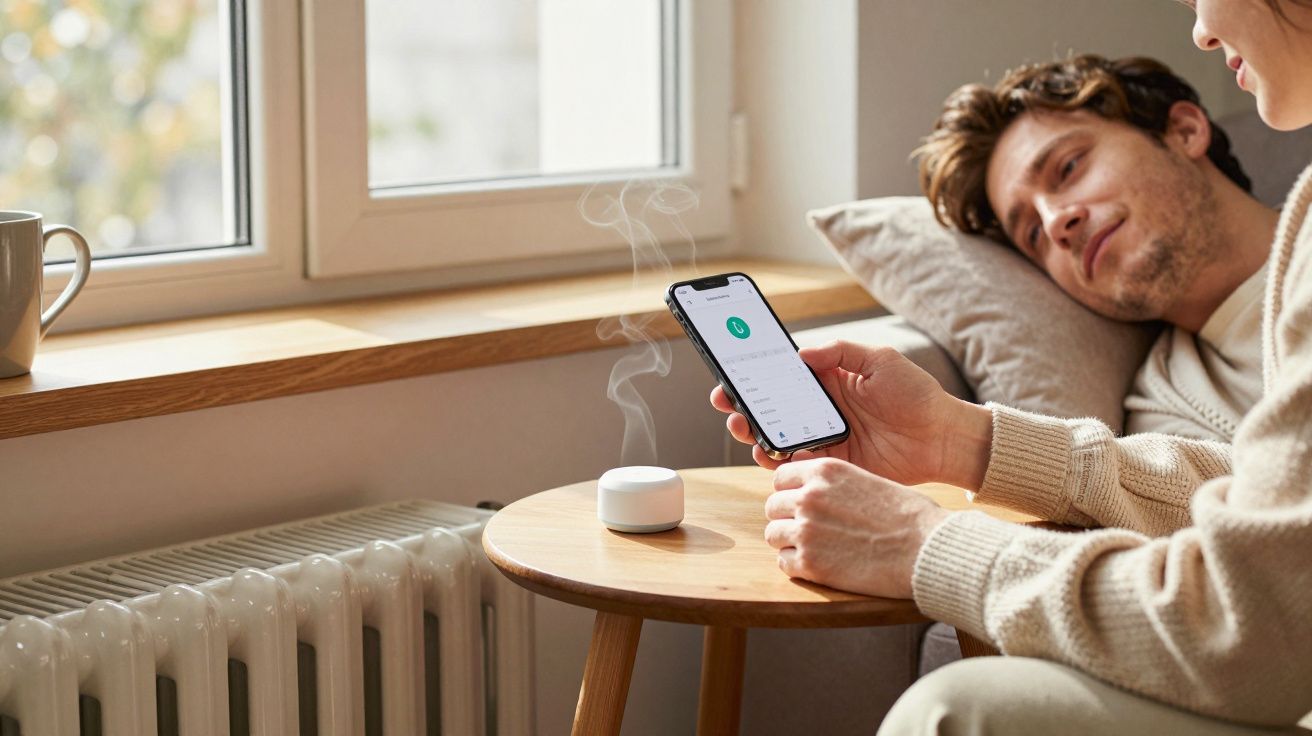
Smart thermostats are meant to make heating and cooling feel invisible: the house stays steady, and you stop thinking about radiators, boilers, or the heat pump humming outside. But a small misconfiguration-one toggle you didn’t understand, one schedule you copied from a previous home-can create comfort problems that feel oddly personal. You’re too hot at night, chilly in the morning, and somehow the “smart” part keeps insisting it knows better.
It’s rarely a fault with the kit. It’s usually the moment a clever control system meets a real building: draughts, sun through the south-facing windows, a toddler’s bedroom that runs cold, and a hallway thermostat that thinks the whole home is fine.
The comfort trap: when “learning” learns the wrong thing
Most smart thermostats try to help by looking for patterns. When you turn the heating up at 6pm three days in a row, it assumes that’s a preference, not a temporary reaction to a cold snap or a guest who likes it tropical.
The result is comfort drift: the system slowly nudges itself towards a routine you never consciously chose. Then you’re stuck in a loop where you correct it, it interprets that correction as a new desire, and the house never settles.
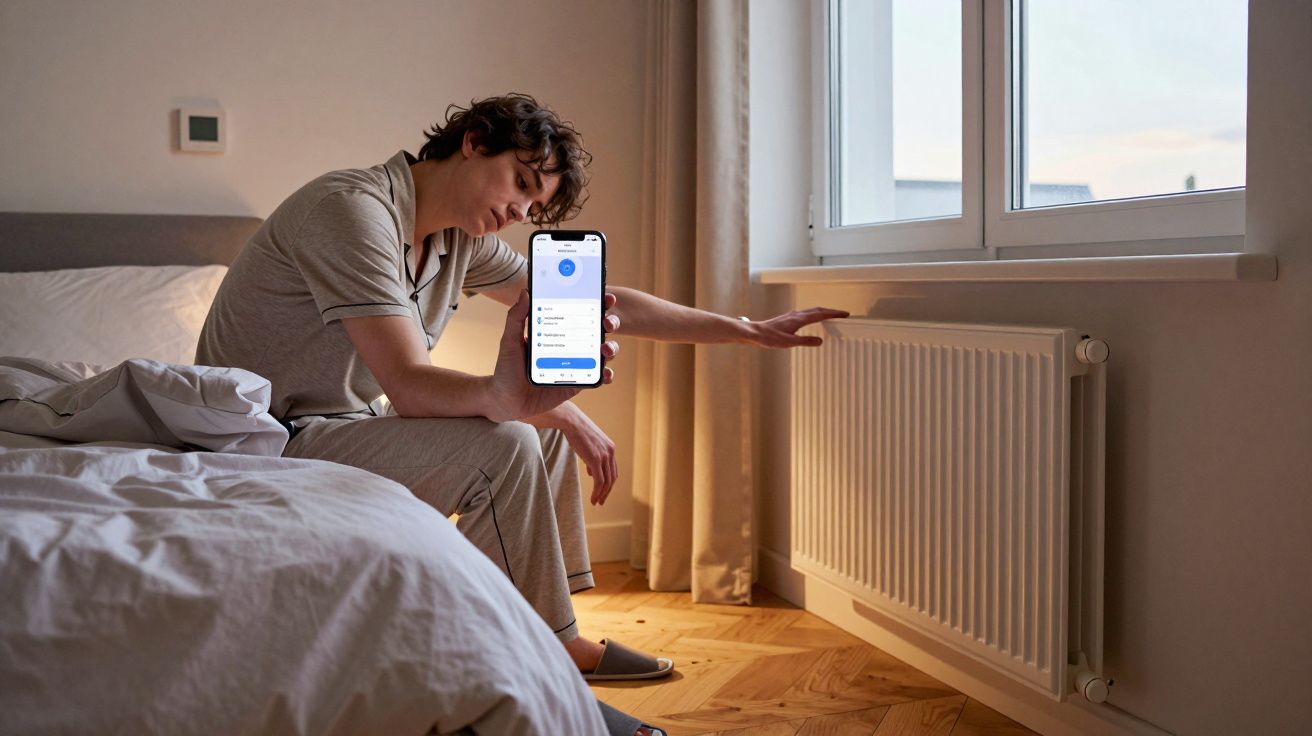
A common sign is timing that feels “nearly right”. Heat arrives after you’ve already put a jumper on. Bedrooms warm up just as you’re trying to fall asleep. The house performs, but out of phase with your life.
The quiet offenders: settings that cause big discomfort
Misconfiguration doesn’t usually look dramatic in the app. It looks like reasonable defaults. That’s why it bites.
Here are the usual culprits that create real, lived comfort problems:
- Wrong thermostat location assumptions: a sensor in a hallway or near a door makes the system chase a temperature that doesn’t match where you actually sit.
- Aggressive “eco” or “optimisation” modes: great for reducing runtime, awful if your home loses heat quickly or you work from home and notice every dip.
- Overcomplicated schedules: lots of little blocks (18°C, 20°C, 17°C, 21°C) create constant correction, which feels like the heating is always starting and stopping.
- Heat pump / boiler mismatched control: settings that are fine for a fast-responding boiler can feel miserable on a heat pump, which prefers gentle, steady operation.
- Room zoning that fights itself: one room calling for heat while another hits target can lead to uneven temperatures, and the “main” zone often wins.
The giveaway is not your energy bill. It’s your behaviour. If you keep manually overriding, the system isn’t supporting you-it’s training you to babysit it.
Why the house feels “patchy” even when the number looks right
A thermostat reading can be correct and still feel wrong. Comfort is more than air temperature: it’s drafts, radiant warmth, humidity, and whether the sofa corner is colder than the centre of the room.
Smart thermostats also tend to measure one point and generalise. If the sensor is in a warm pocket (sunlight, near electronics, above a radiator), it thinks the whole house is warm. Meanwhile, you’re in the cold pocket by the bay window wondering why the heating has “given up”.
This is why people often describe smart-heated homes as inconsistent rather than simply cold. The system is stable, but it’s stabilising the wrong reality.
A quick reset that fixes most comfort issues (without turning it “dumb”)
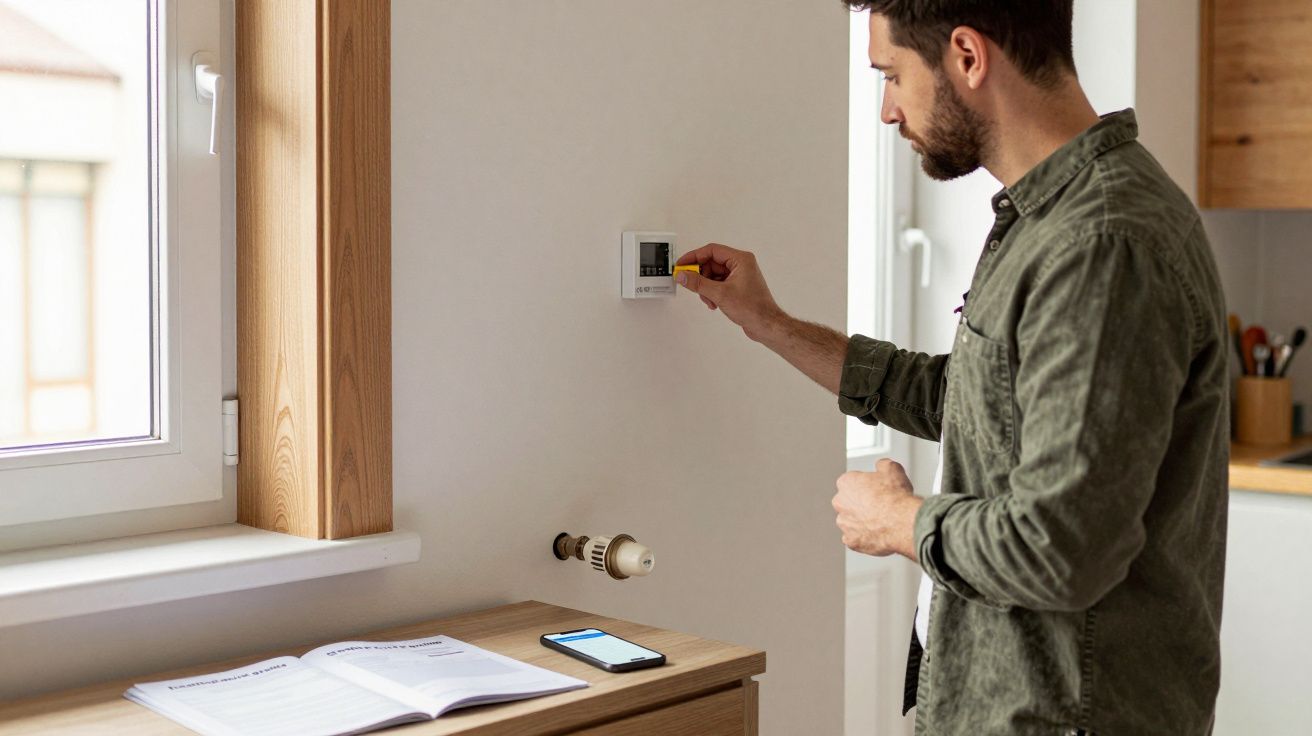
You don’t need to bin the clever features. You need to narrow what the thermostat is allowed to “interpret”.
Try this approach for a week:
- Pick a simple schedule: two or three blocks per day, not a mosaic. Aim for “awake”, “out/asleep”, “evening”.
- Turn off learning/adaptive features temporarily: stop it rewriting your intentions while you re-establish a baseline.
- Use one consistent comfort target: pick a temperature you genuinely like when you’re home, and leave it alone.
- Set setbacks gently: a small drop (e.g., 1–2°C) overnight often feels better than a big drop that forces a hard reheat at 6am.
- Check sensor placement or use a remote sensor: measure where comfort matters (living room seating height, bedroom), not where wiring was easiest.
If you want one rule that works in most UK homes: fewer changes, longer holds. The house has thermal momentum. Let it coast.
Zoning: the feature that causes the most arguments
Room-by-room control sounds like the end of “the spare room is freezing”. In practice, zoning can create a new class of discomfort: rooms that are technically on schedule but feel unpredictable because the system is constantly negotiating which zone gets priority.
Common ways zoning turns sour:
- Bedroom zones set too warm because they’re small: they hit target quickly, then cool quickly, which feels like waves of heat.
- A cold room becomes the “boss room”: it keeps calling for heat, dragging the rest of the house warmer than you want.
- Open-plan spaces fight the idea of “rooms”: one sensor can’t represent the whole area, so the system makes confident decisions with incomplete information.
If zoning is your pain point, simplify it before you abandon it. Start by zoning only the rooms with genuinely different needs (often: bedrooms vs living areas), not every radiator in the house.
The human part: why these problems feel so irritating
Comfort is the background of your day. When it’s wrong, it’s not just “a bit cold”; it’s interrupted sleep, that slightly tense feeling in your shoulders, the constant micro-decision of whether to change clothes or change the heating.
Smart thermostats make that worse when they’re misconfigured because the discomfort arrives with an attitude. You didn’t forget to turn the heating on. The system chose this. You start negotiating with an app like it’s a person who’s being stubborn.
The fix is rarely more features. It’s clearer intent.
| Comfort problem | Likely cause | What to try |
|---|---|---|
| Warm at bedtime, cold at wake-up | Overdeep night setback, late “preheat” assumptions | Smaller setback, earlier gentle warm-up, disable learning for a week |
| One room always feels off | Sensor in the wrong place, or no sensor where you sit | Add/relocate sensor, adjust zoning priorities |
| Heating constantly cycling | Too many schedule steps, tight deadbands | Fewer blocks, wider comfort band, longer holds |
FAQ:
- Do I need to turn off all smart features to be comfortable? No. Most comfort issues come from a few settings (learning, schedules, zoning priorities). Temporarily switching off adaptive behaviour while you simplify the schedule often restores comfort without losing convenience.
- What’s the most common misconfiguration? Overcomplicated schedules. Lots of temperature changes feel “precise” but usually create cycling and mistimed heat, especially in homes that heat up and cool down slowly.
- Why does it feel colder even when the thermostat says 20°C? The sensor may be in a warmer spot than where you are, or you may be feeling drafts and cold surfaces. Comfort depends on airflow and radiant temperature, not just the number in the app.
- Is zoning always worth it? It can be, but only if your rooms truly behave differently and the system has good sensors. If it’s causing conflict, zone fewer areas first and prioritise the rooms you actually occupy.


Comments (1)
ZmCVTxVzuSDzmcwYJqHw
Leave a Comment